Saneo is the scheduling workspace for a single practitioner or a clinic with a full roster, with a patient directory in front of it and an international front door beside it. Set it up in an afternoon, and list yourself for patients only when you are ready.
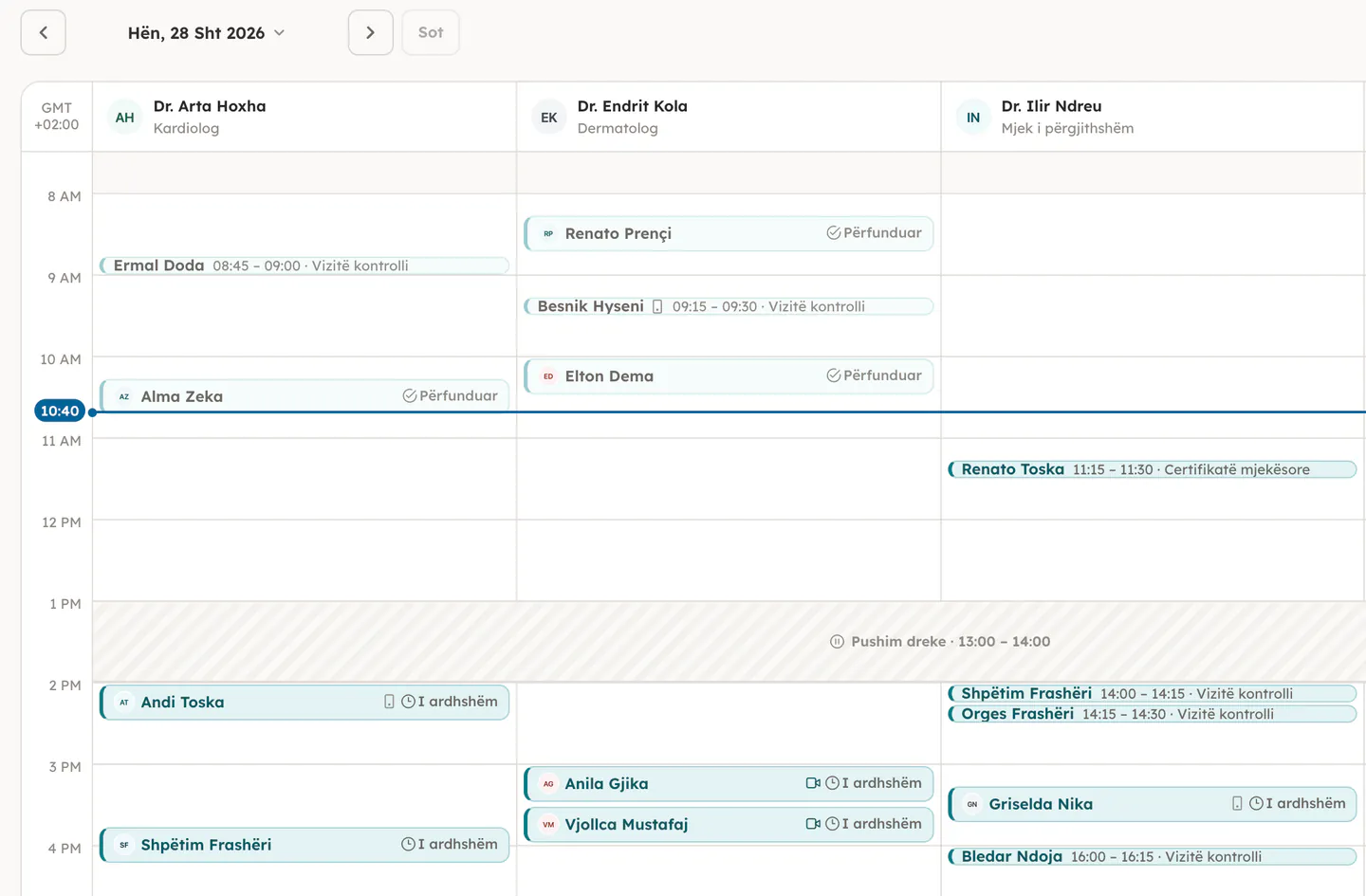
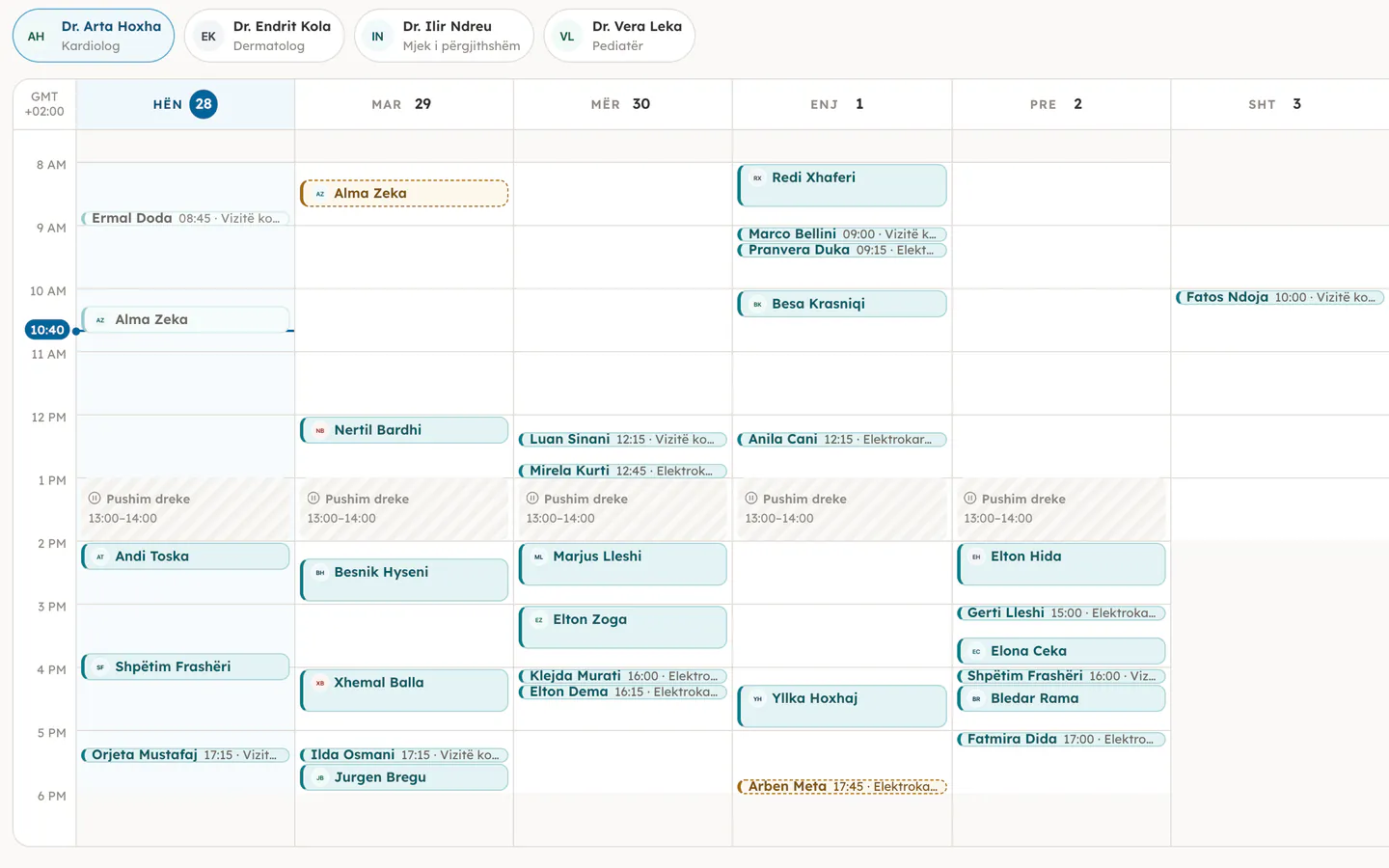
Screenshot placeholderMy Calendar, week view with the team side by side
01
Patients find you, and book straight into your calendar.
The public directory is the other half of the product. A practice that lists itself shows up in patient search with real availability, and every booking lands on the same agenda your team already works from.
saneo.al/search
Screenshot placeholderPatient search results with the map
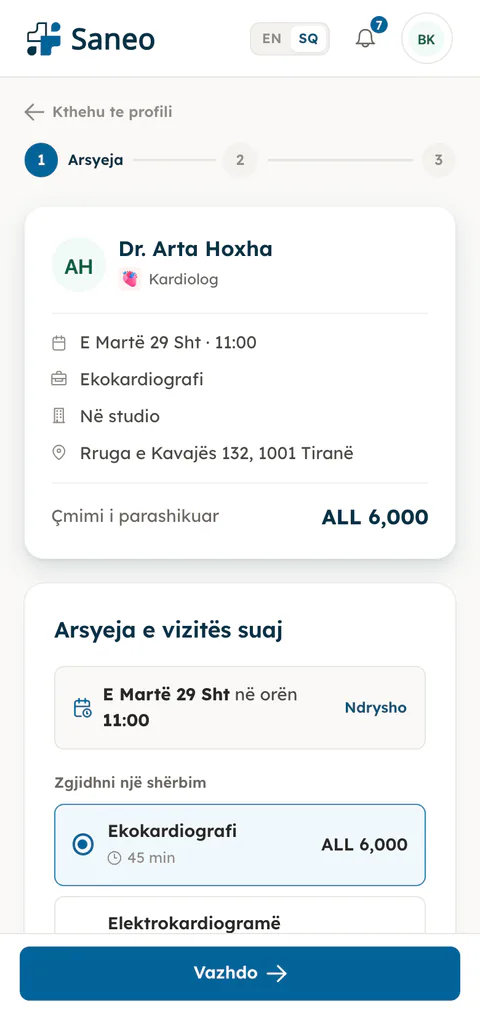
Screenshot placeholderBooking flow on a phone
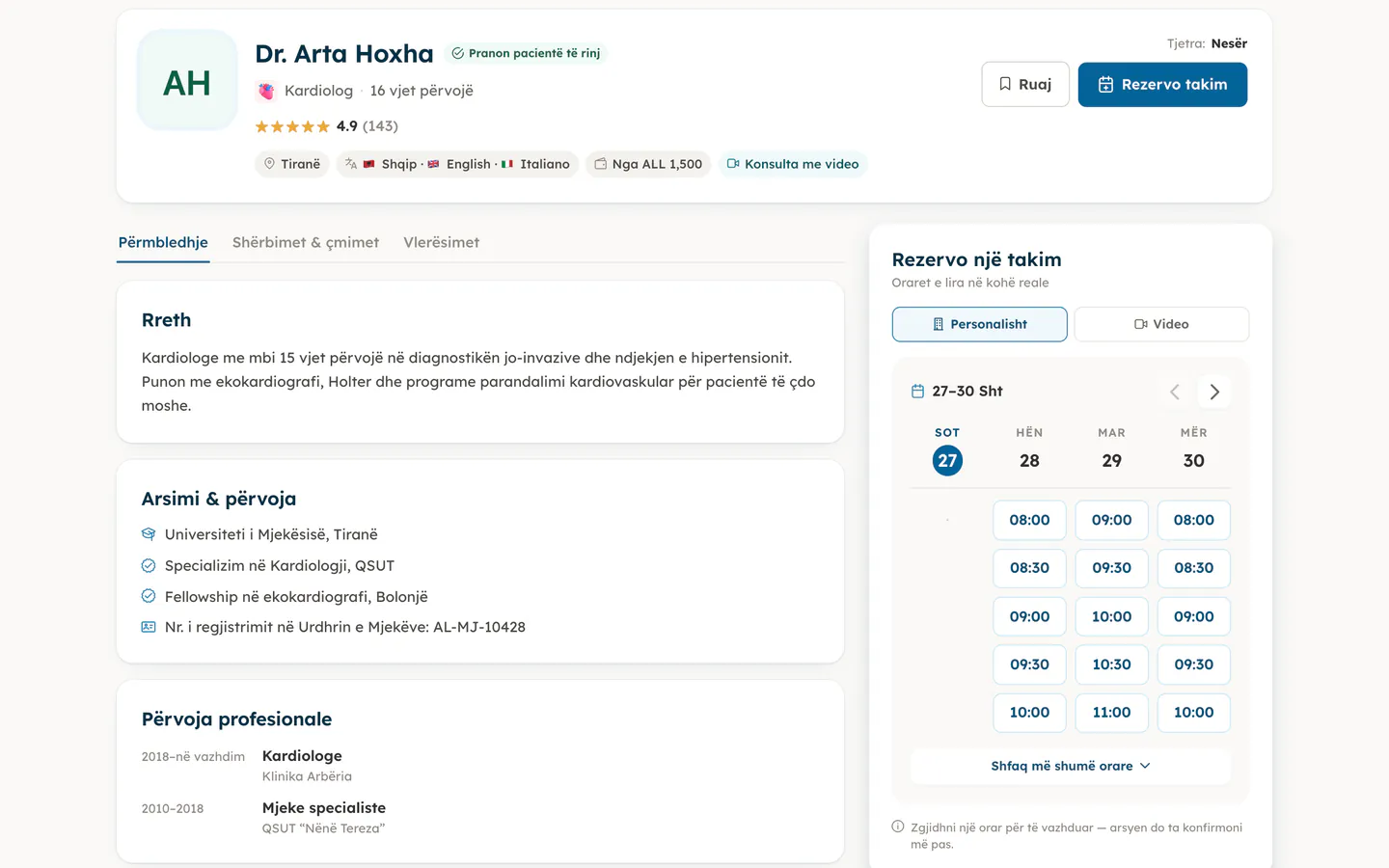
A profile in the patient directory
Photo, specialty, bio, languages, services and address, with your practice on the map. Patients search by specialty and city, or ask the care assistant.
Real availability, computed from your calendar
Open slots come from your opening hours minus blocked time and booked visits, within the horizon and buffers you set. A patient never books a time you cannot honour.
The care assistant routes the right patients
A short guided Q&A turns a vague complaint into a specialty, then suggests listed practitioners for it. Patients arrive at the right door.
Reviews only after a completed visit
A patient can rate a practitioner only for an appointment that actually took place. What shows on your profile is earned.
Online consultations, booked like any visit
Offer a video visit and the appointment carries a private room for you and the patient, opened from the appointment itself. No links to send around.
02
Run the practice day from one workspace.
The same screens serve a solo practitioner and a clinic with a full roster. What changes is how many doctors are on them. Everything below exists today: this is the product, not a roadmap.
app.saneo.al
Screenshot placeholderMy Calendar, day view
A calendar built for a practice day
Day, week and month views, with the team side by side or one doctor at a time. Appointments, blocked time and days off live on the same grid.
Day, week and month, driven by one real date
Blocked time, breaks and days off on the same grid
Changes appear for your colleagues live, without a refresh
app.saneo.al/patients
Screenshot placeholderPatient record with visit history and notes
Patient records that respect who is looking
One record per patient with contact details, visit history, notes and documents. Clinical notes stay with the practitioner; the front desk sees office notes and demographics only.
Contact details, visit history and documents in one place
Clinical notes for practitioners, office notes for the desk
Documents shared with the patient through their portal
app.saneo.al/team
Screenshot placeholderTeam page with seats, roles and pending invites
A team with roles that match a real practice
Owner, doctor and front desk. Invite colleagues with a link, give each of them a role, and the server enforces it. Adding a second doctor is how a solo practice becomes a clinic.
Owner, doctor and front desk, enforced server-side
Invite links that bind to the invited email
Add a doctor and the workspace grows with you
app.saneo.al/services
Screenshot placeholderServices and booking rules
Your services, your rules
Define what you offer and how long it takes. Set opening hours, buffers, how far ahead patients may book, and whether online booking is on at all.
app.saneo.al/consultations
Screenshot placeholderOnline consultations list with a waiting room
Online consultations
A private video room per appointment, opened from the visit itself. Patients join from their portal, you join from yours.
app.saneo.al/settings
Screenshot placeholderNotification settings for the practice
Confirmations and reminders, sent for you
Booking confirmations, changes and a reminder the day before go out by email, and by WhatsApp where the patient agreed to it.
app.saneo.al/analytics
Screenshot placeholderAnalytics with appointments, time booked and new patients
Analytics that stay honest
Appointments, time booked, revenue and new patients over the period you pick. Each doctor sees their own slice; the owner sees the practice.
03
Saneo Visit
Welcome patients from abroad, with a CRM built for the journey.
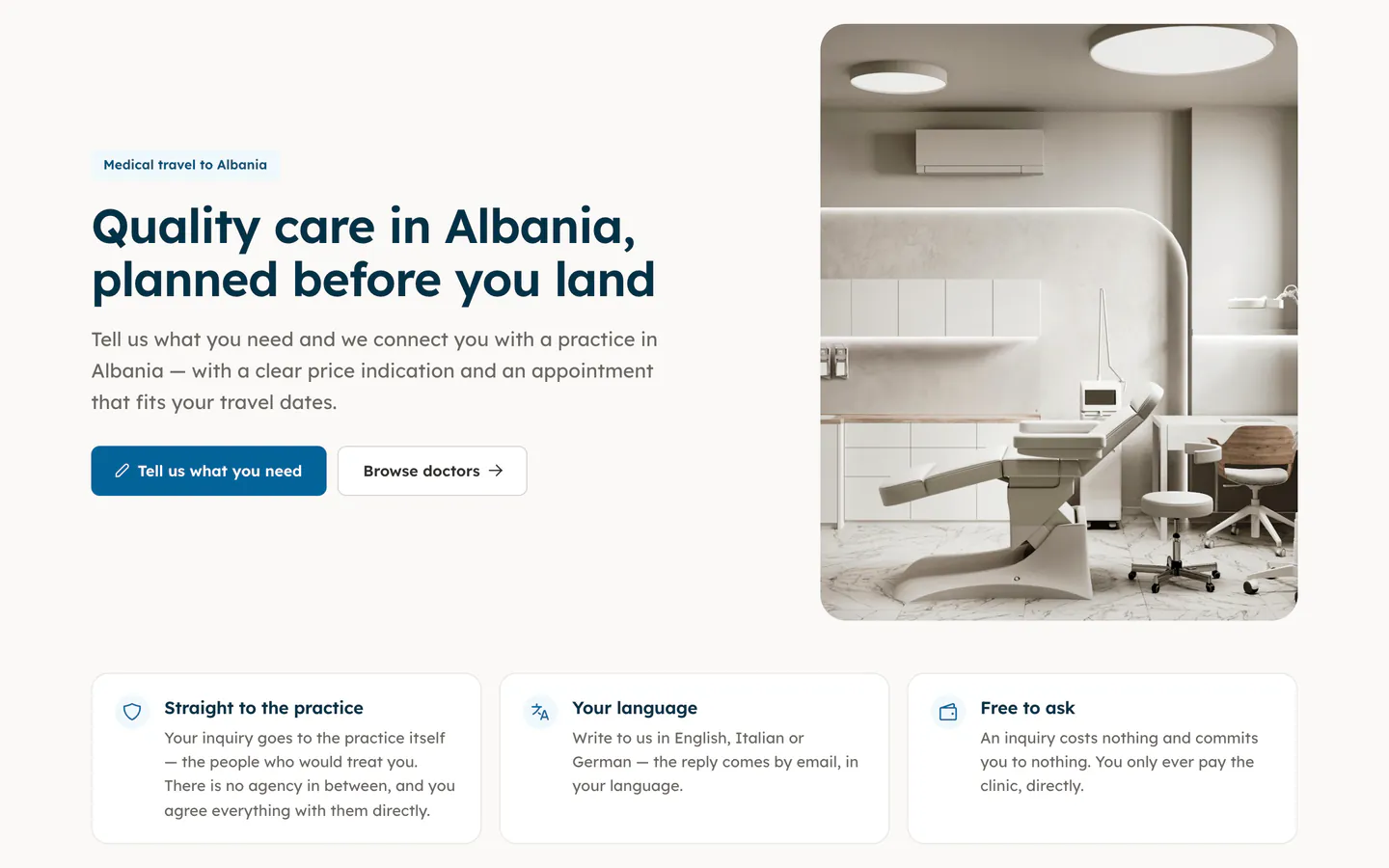
Saneo Visit is the international front door: a site in English, Italian and German for people planning treatment in Albania. Their requests land in your Tourism CRM, where a request becomes a lead, a lead becomes a booked patient.
A multilingual front door
Your profile through the visitor lens, in the visitor’s language. They ask for a video consultation first, or send a written question with their timeframe.
Every request in one inbox
Triage incoming inquiries with the language and timeframe visible, spot duplicates, and turn the promising ones into leads with one action.
A pipeline you can actually see
Move leads from first contact to a booked visit and a converted patient. Next actions, overdue follow-ups and estimated value stay in view.
Proposals and messages, without the busywork
Message a lead on WhatsApp in one tap and send a treatment proposal as a PDF on your practice letterhead. Reports show how the funnel converts.
saneo.al/visit
Screenshot placeholderSaneo Visit landing for international patients
Create an account and the onboarding wizard walks you through the rest.
1
Create your account
Sign up with your email address. The practice you create is yours; that account becomes its owner.
2
Set up the practice
Do you see patients yourself? Name, address, specialties, opening hours: the wizard asks once, and you can change any of it later in Settings.
3
Add your team, then go live
Invite doctors and front-desk staff with a link, give each of them a role, and switch on your directory listing when the calendar is ready for patients.
Bring your practice online
Create your practice, set up your calendar, and decide later whether to list it for patients.